Caricamento / Loading
How to do image personalization using Hyperise
1 min read
Overview
In this documentation, you will learn how a business can do image personalization using Hyperise. This allows a business to dynamically send personalized images to their contacts inside the bot.
Key Details
- Create your image on Hyperise and get the image URL
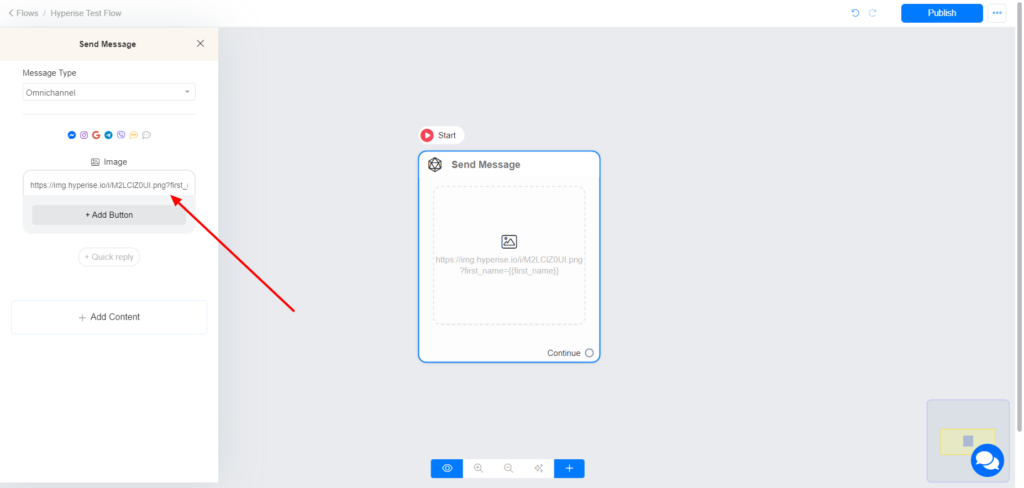
- Use Hyperise image URL on an Image block in Pengo Flow Builder.
How to setup
Create your image on Hyperise and save
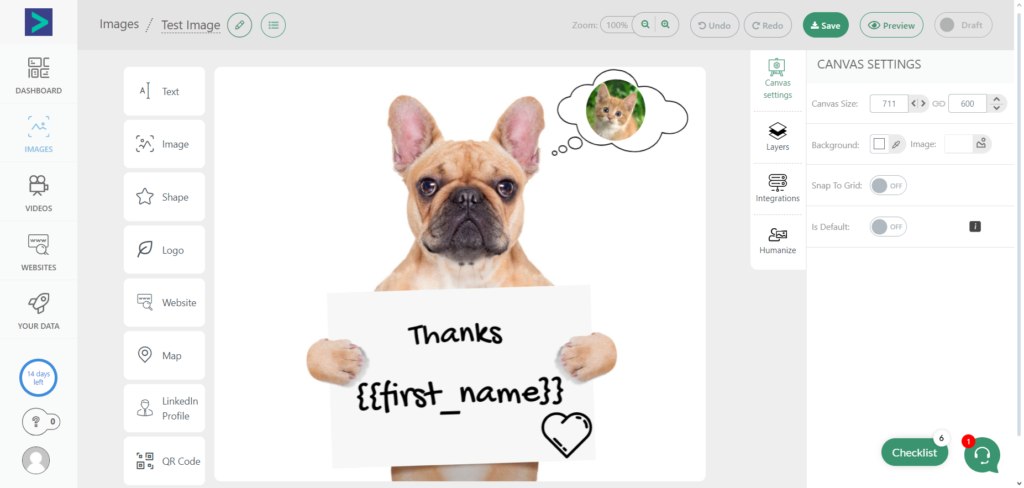
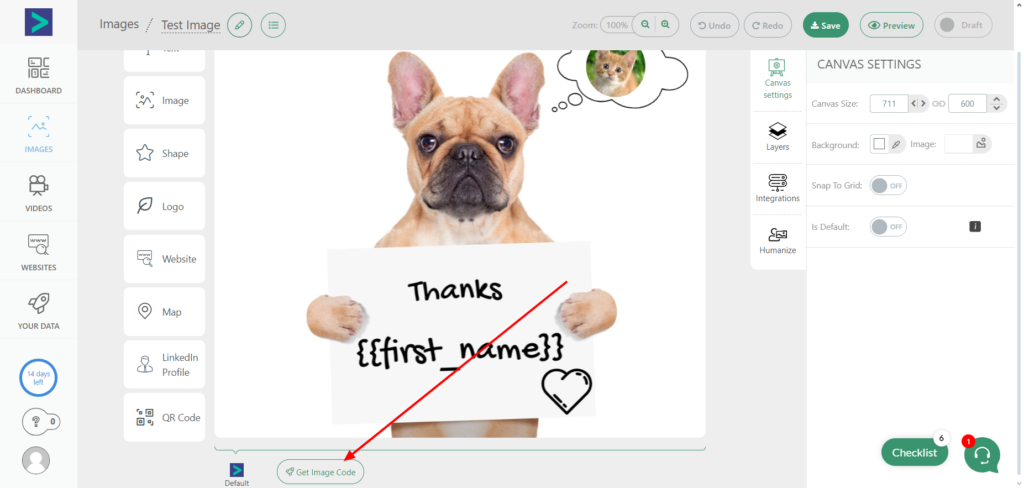
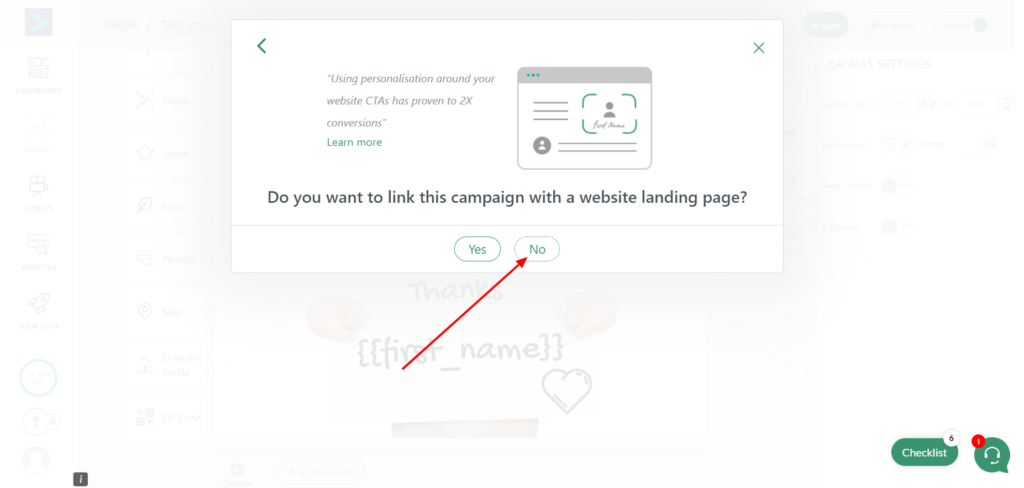
To get your image URL, Click on Get image code and follow the steps below
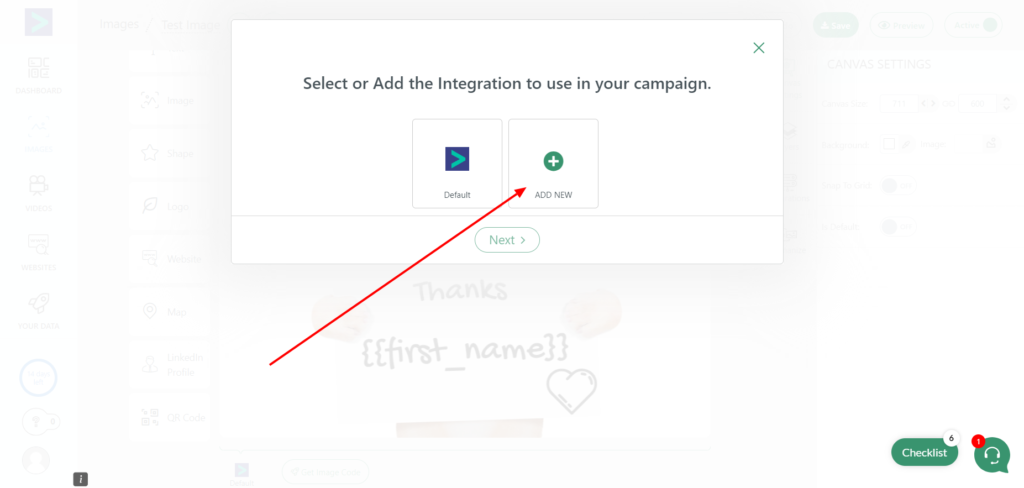
Add Integration (Click on Add New)
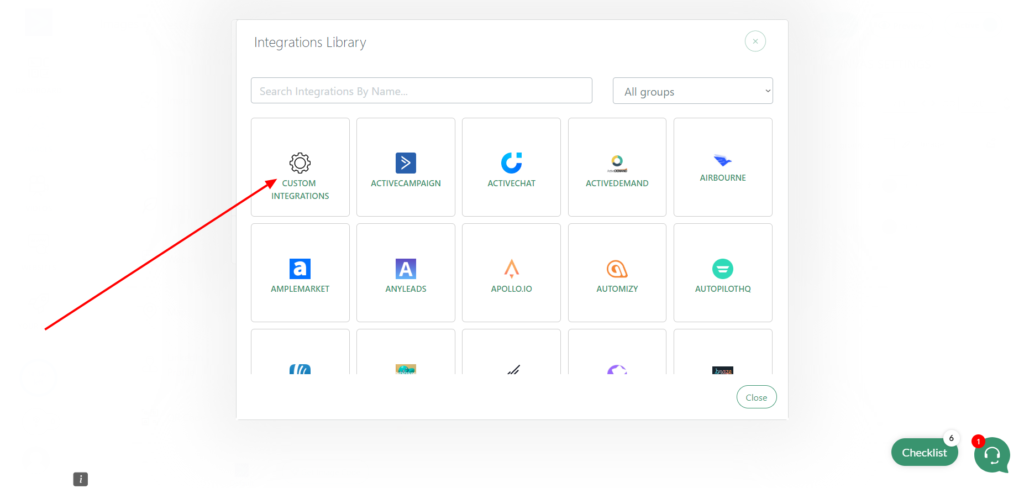
Select Custom Integration >> New Custom Integration
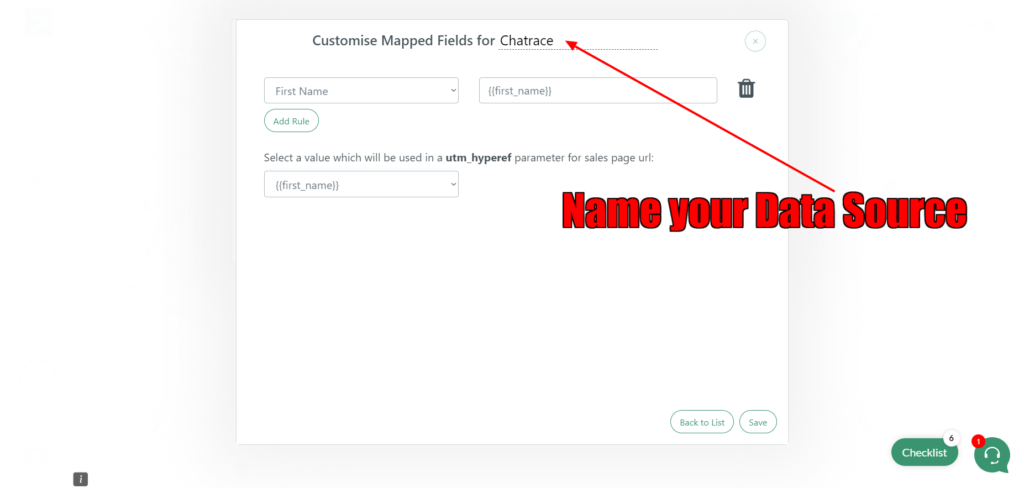
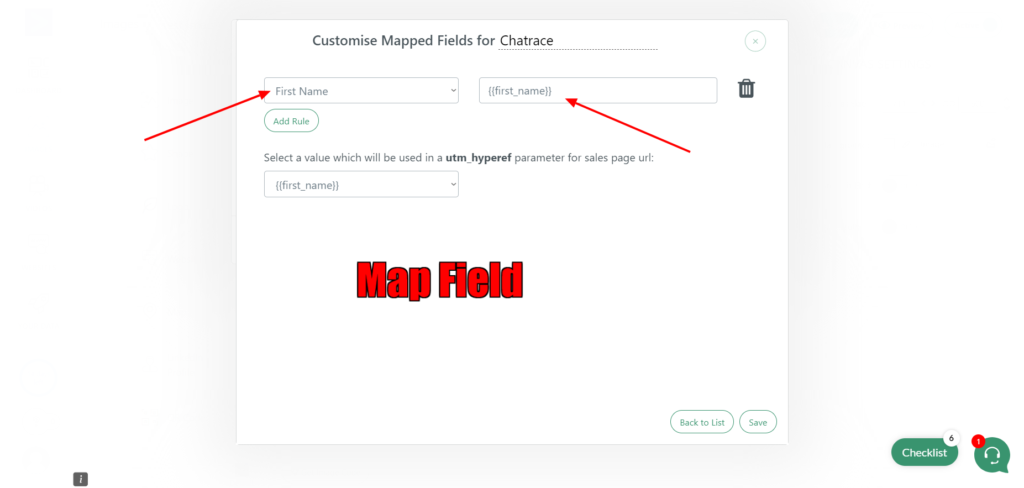
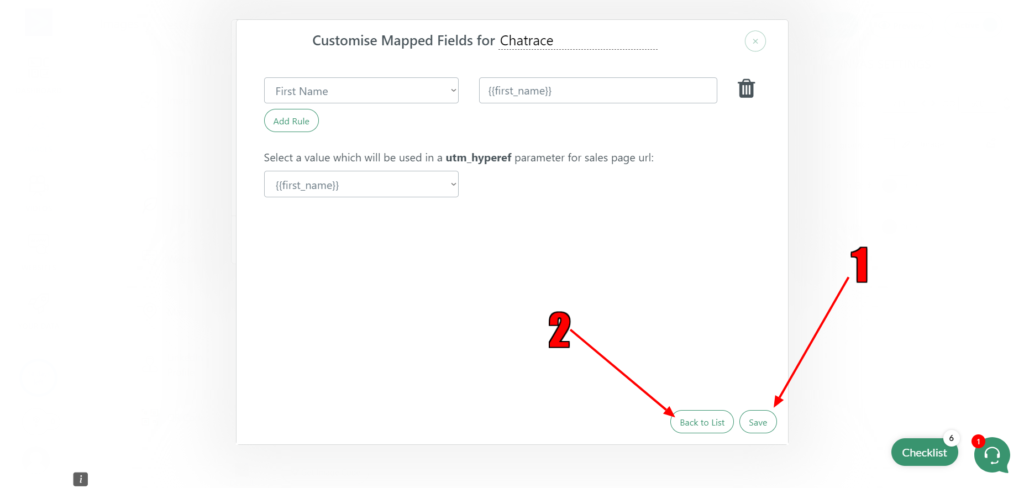
Save and go back to List.
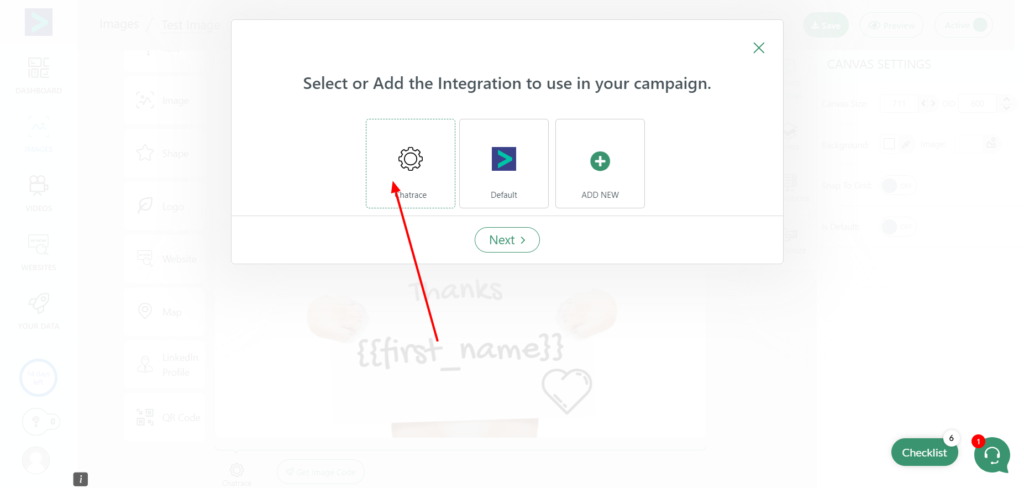
Select your Integration
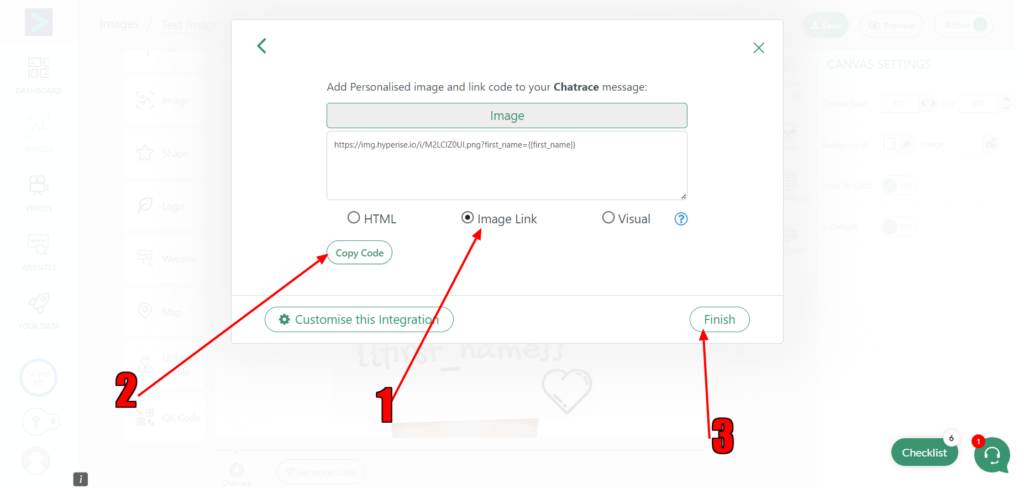
Select Image Link and copy the link
Use the image URL on an Image block in Pengo Flow Builder
Images are supplier reference screenshots and may show the original branding.