Caricamento / Loading
How to send a broadcast message to Telegram contacts
1 min read
The broadcast tool allows you to send messages to multiple contacts simultaneously in an automated manner. It helps businesses to send announcements, discounts, updates, and other notifications to their contacts.
Follow the steps below to send a broadcast message to your contact list.
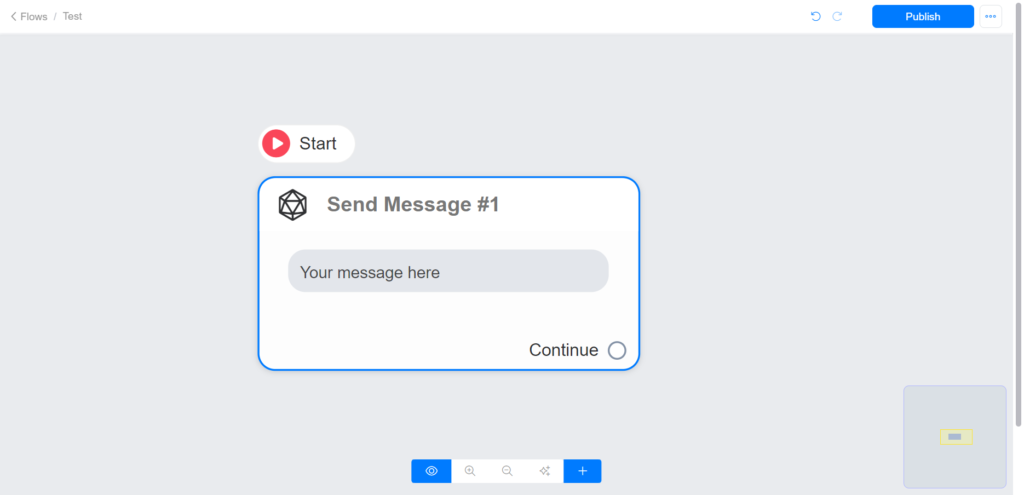
Create your flow
Go to Menu > Flows and click the Add button. You can watch this video to learn how to create a flow.
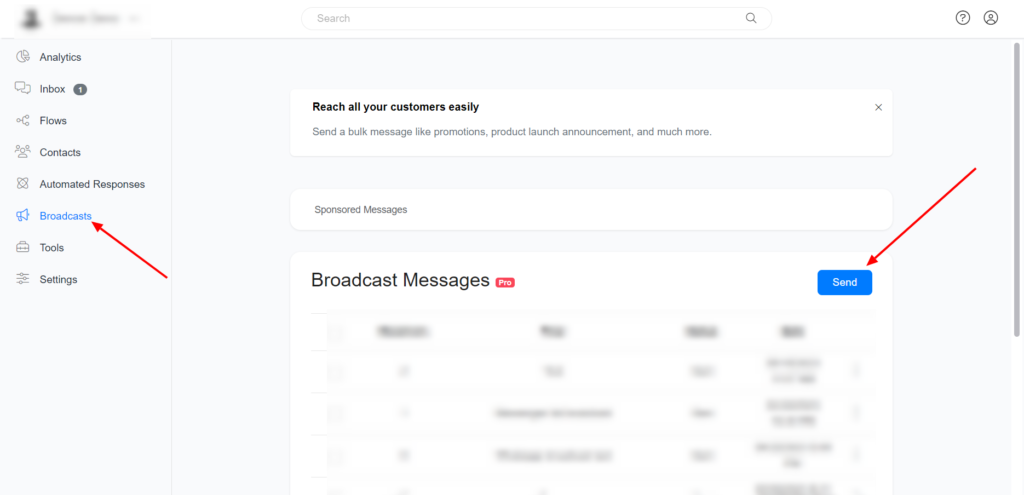
Send your flow to your contact list
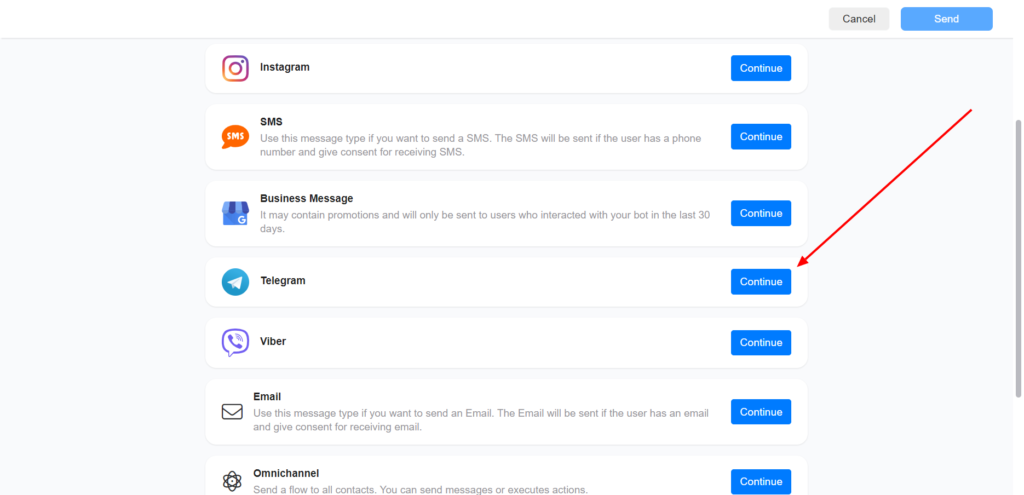
Select the Telegram channel to proceed.
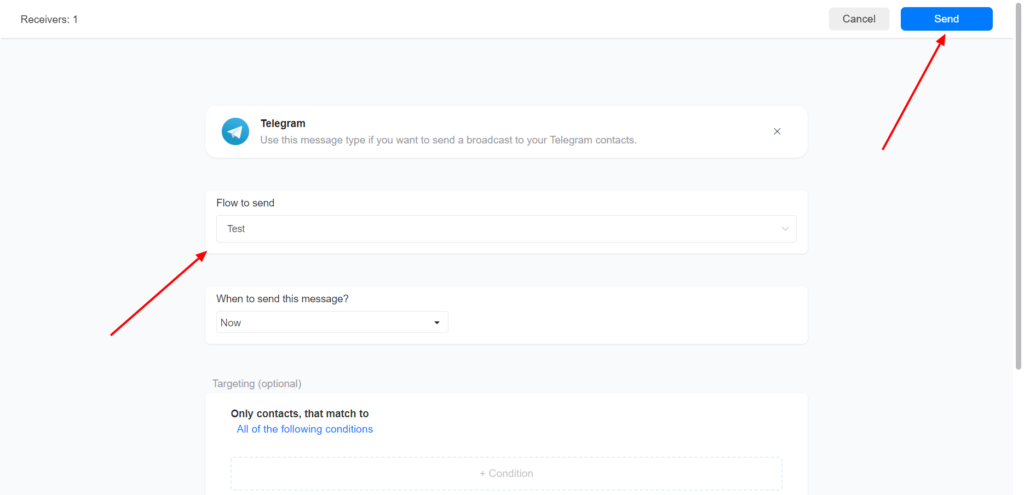
Select your broadcast flow and click send
Images are supplier reference screenshots and may show the original branding.